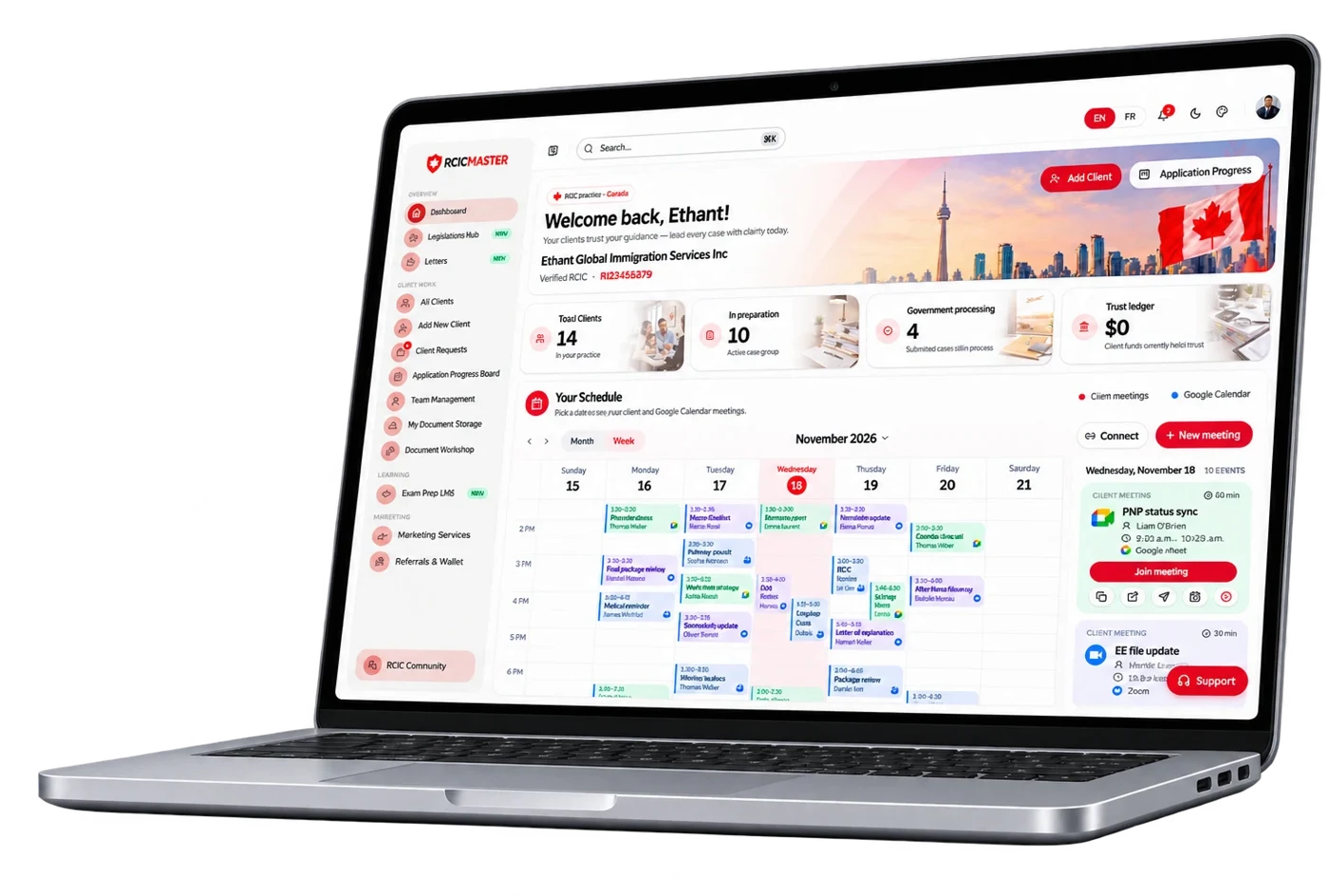

 Watch demo
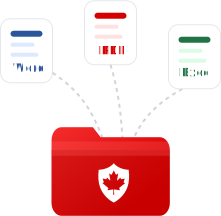
Document Workshop Merge
PDFPassport.pdf
JPGMarriage-cert.jpg
PNGBank-letter.png
PDFIMM5476.pdf
Application package
Document Workshop
Pick from client files, your storage or a fresh upload, put them in order, merge into one PDF.
Documents
Clients upload against a checklist, you approve or ask for a correction, OCR watches the expiry dates, and Document Workshop merges everything into one PDF package.
7-day free trial. Cancel anytime.
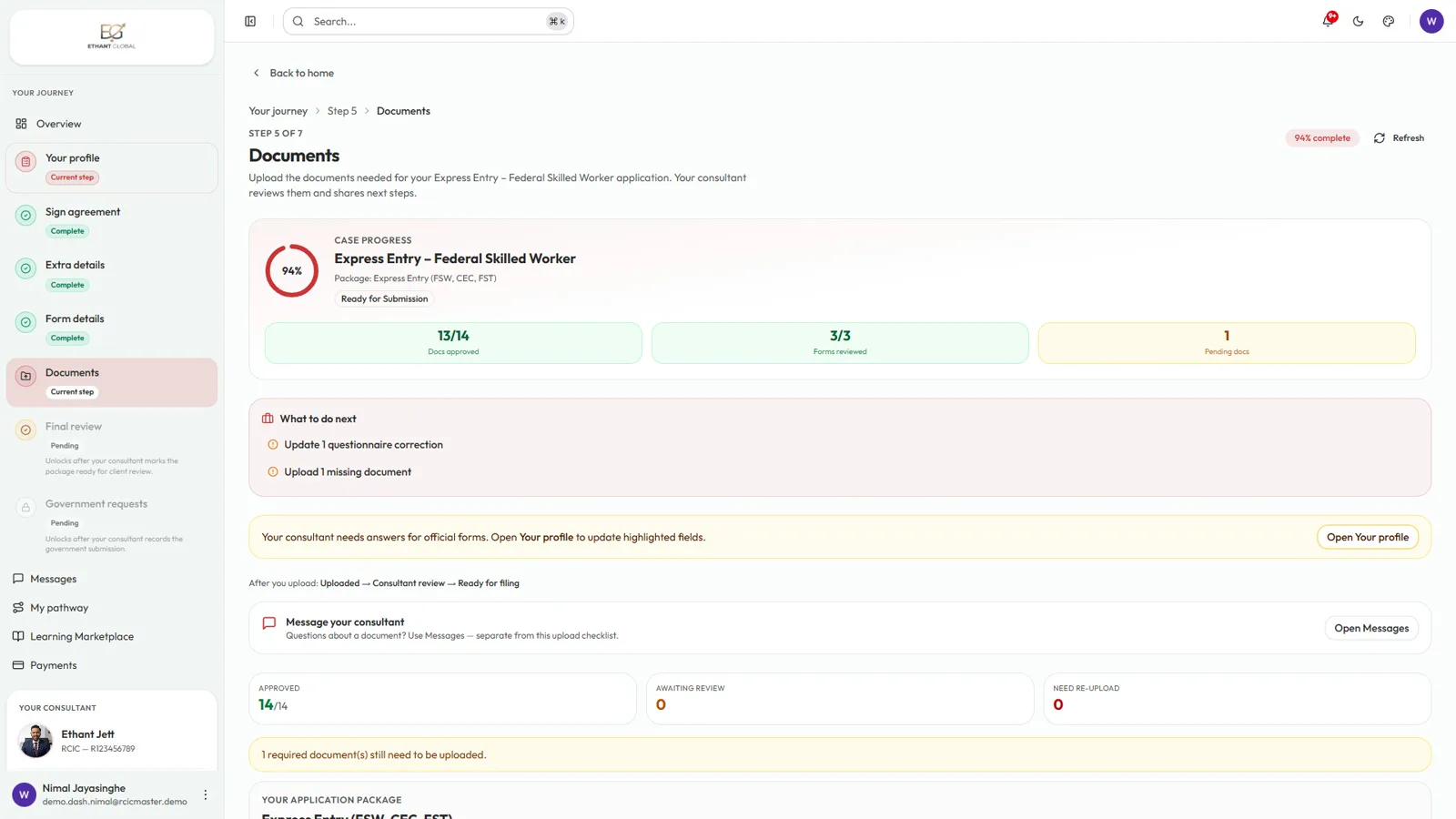
RCICMASTER document management covers the paper trail of an immigration file: client uploads against a checklist, consultant approval or correction requests, expiry-date alerts read by OCR, 3 GB of private cloud storage, and Document Workshop for merging files into one PDF for submission.
Live in the product
Pick from client files, your storage or a fresh upload, put them in order, merge into one PDF.
3 GB of private storage with folders and subfolders.
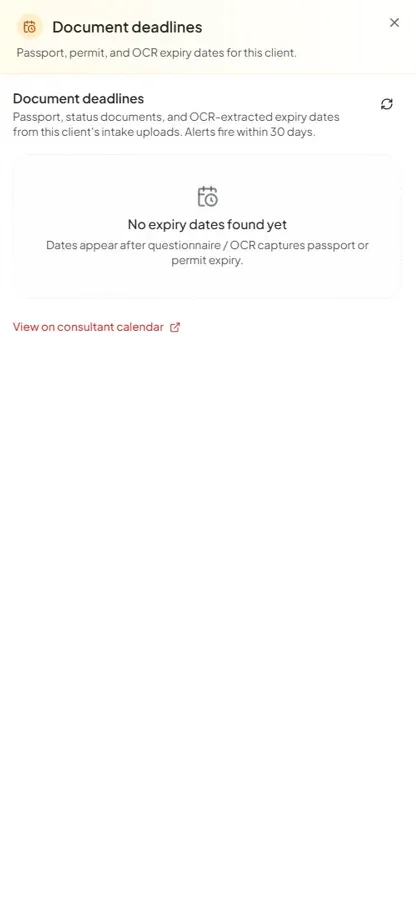
Dates from intake uploads, with alerts 30 days ahead, on your calendar.
Approve each upload or request a correction with a note; the client sees what's still needed.
Screens
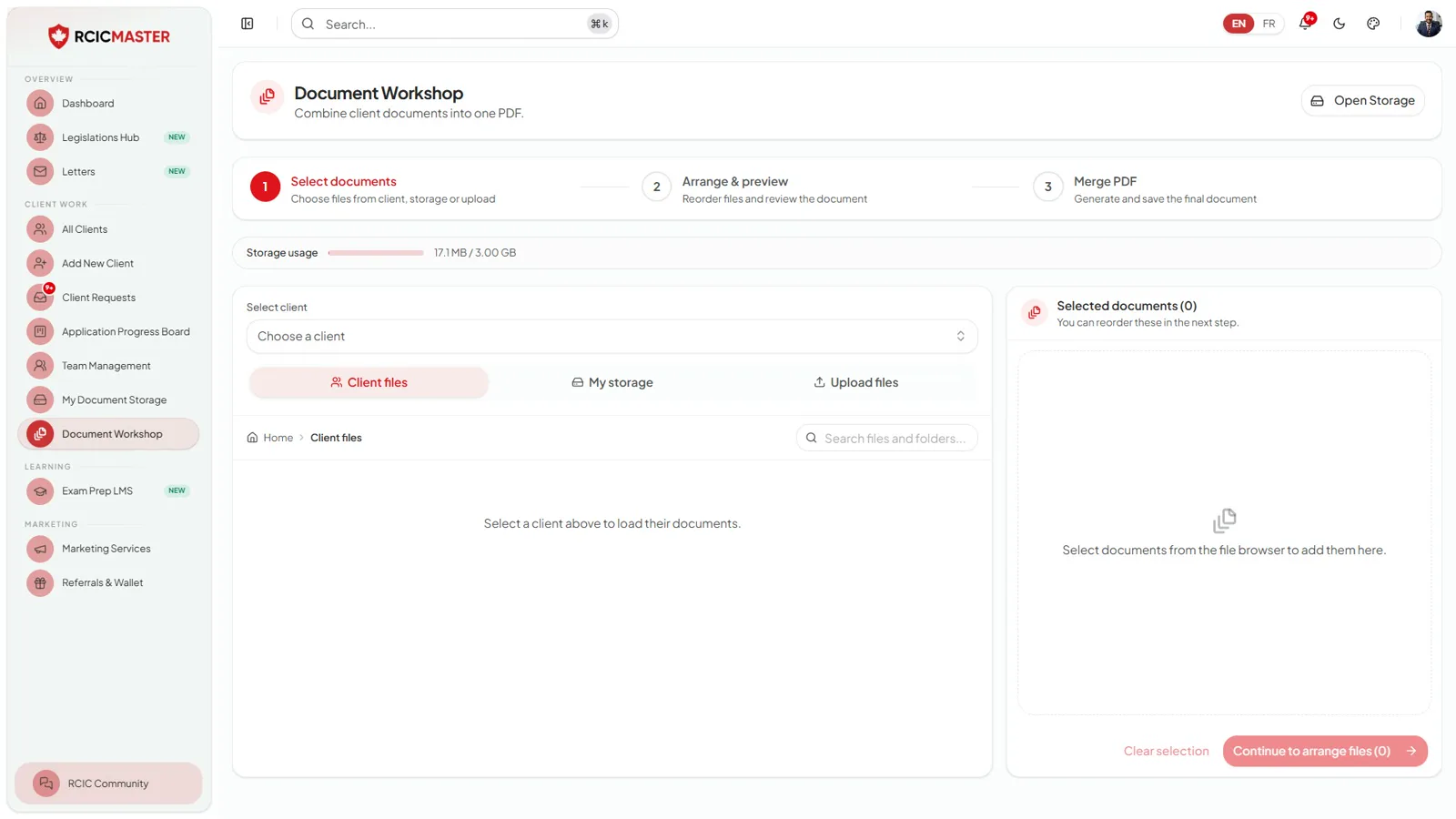
Clients upload against a checklist for their pathway, you approve each file or request a correction with a note, OCR watches the expiry dates, and Document Workshop merges everything into one PDF for submission.
PDF, JPG, PNG and WEBP files of up to 50 MB each, from a client's uploads, your own storage or a new upload. Put them in order, preview and merge into one PDF.
Expiry dates are read with OCR from passports, permits and status documents your client uploads. RCICMASTER alerts you 30 days before a date, and it also shows on your calendar.
Yes. Approve, reject or request a re-upload with a note. The client sees exactly what is still needed in their checklist.
My Document Storage includes 3 GB of private cloud storage, with folders and subfolders. You can upgrade if you need more.
Client files are served only to signed-in users with permission to see them, and you control each staff member's access with role-based permissions.
Ready to grow your practice?
Grow your practice with confidence. RCICMASTER gives you one secure place to run every file from first inquiry to final decision.