
IRCC forms
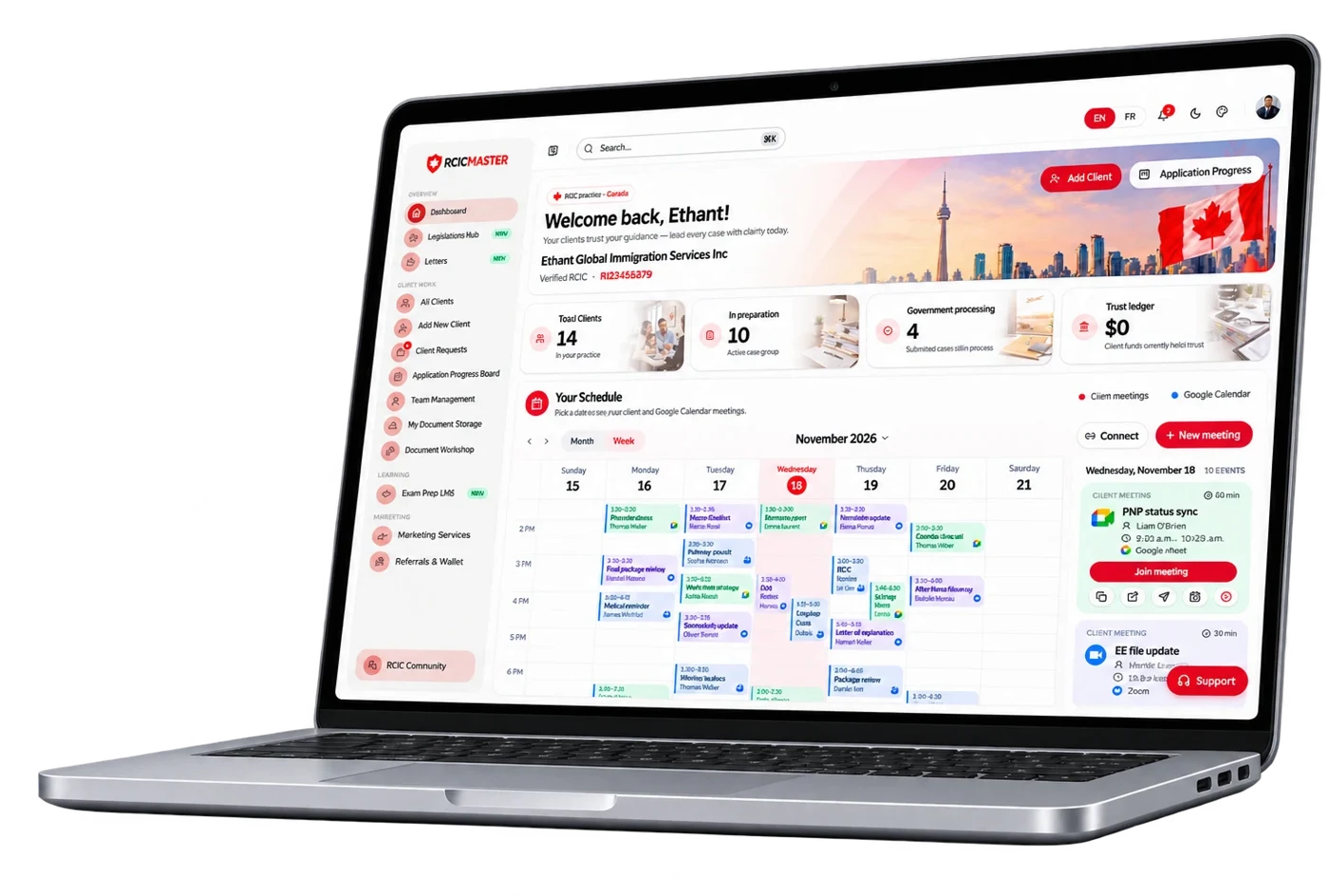
IRCC forms, filled from your client's answers.
Questionnaire answers flow into the official IRCC PDFs. Form gaps shows what is still missing, and you fill it in or ask the client in one click.
 Watch demo
7-day free trial. Cancel anytime.
What it is
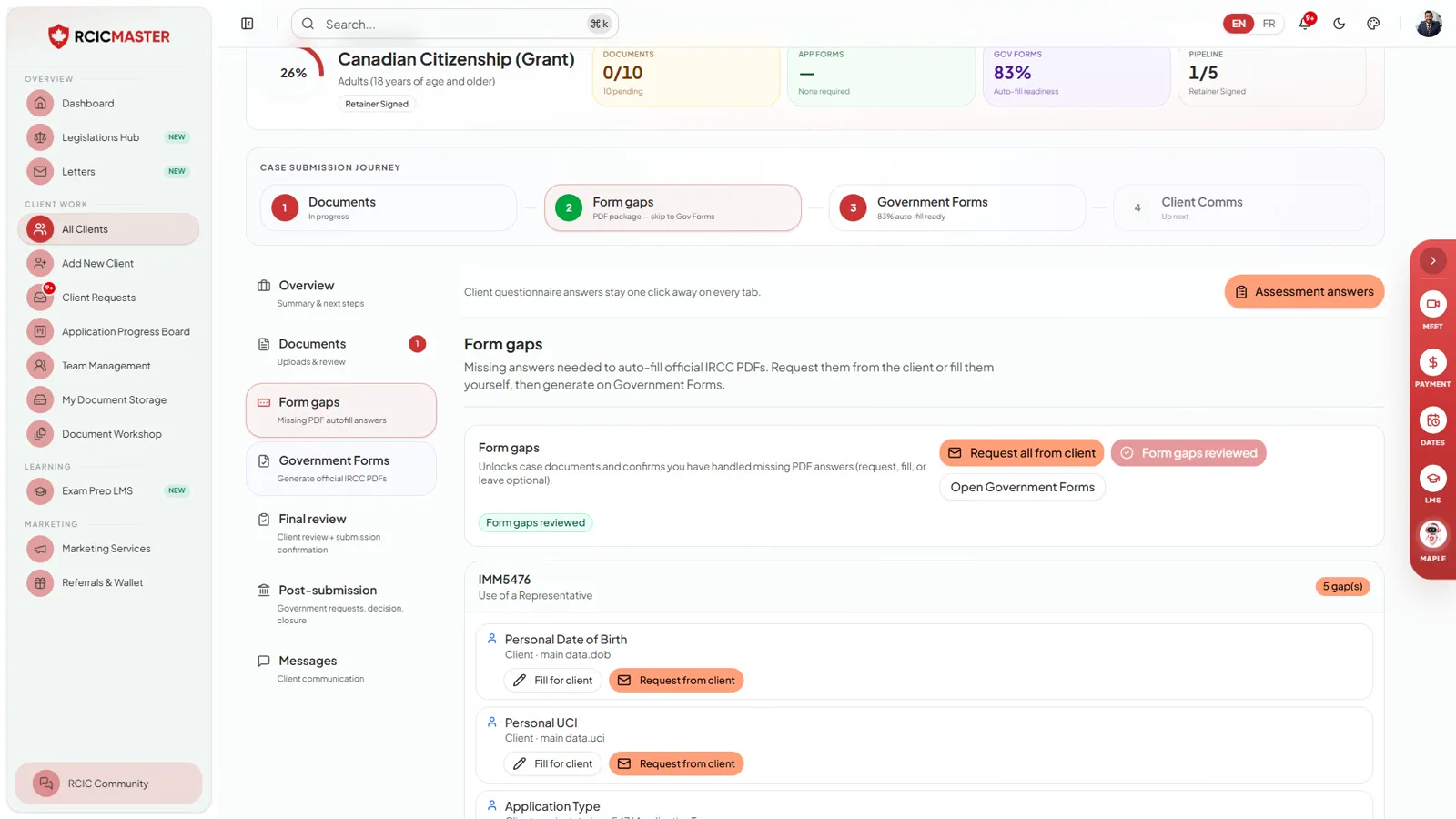
In RCICMASTER, the client's questionnaire answers are reused to fill the official IRCC PDF forms for their pathway. The Form gaps view lists every answer still missing; the consultant fills it in or requests it from the client, then generates the completed government forms from the Case Hub.
- Required forms listed per pathway
- Every missing answer in one list
- Ask the client in one click
- Final sign-off stays with you
How forms get done
Less typing, fewer missed details

Accuracy first
The same answer, typed once
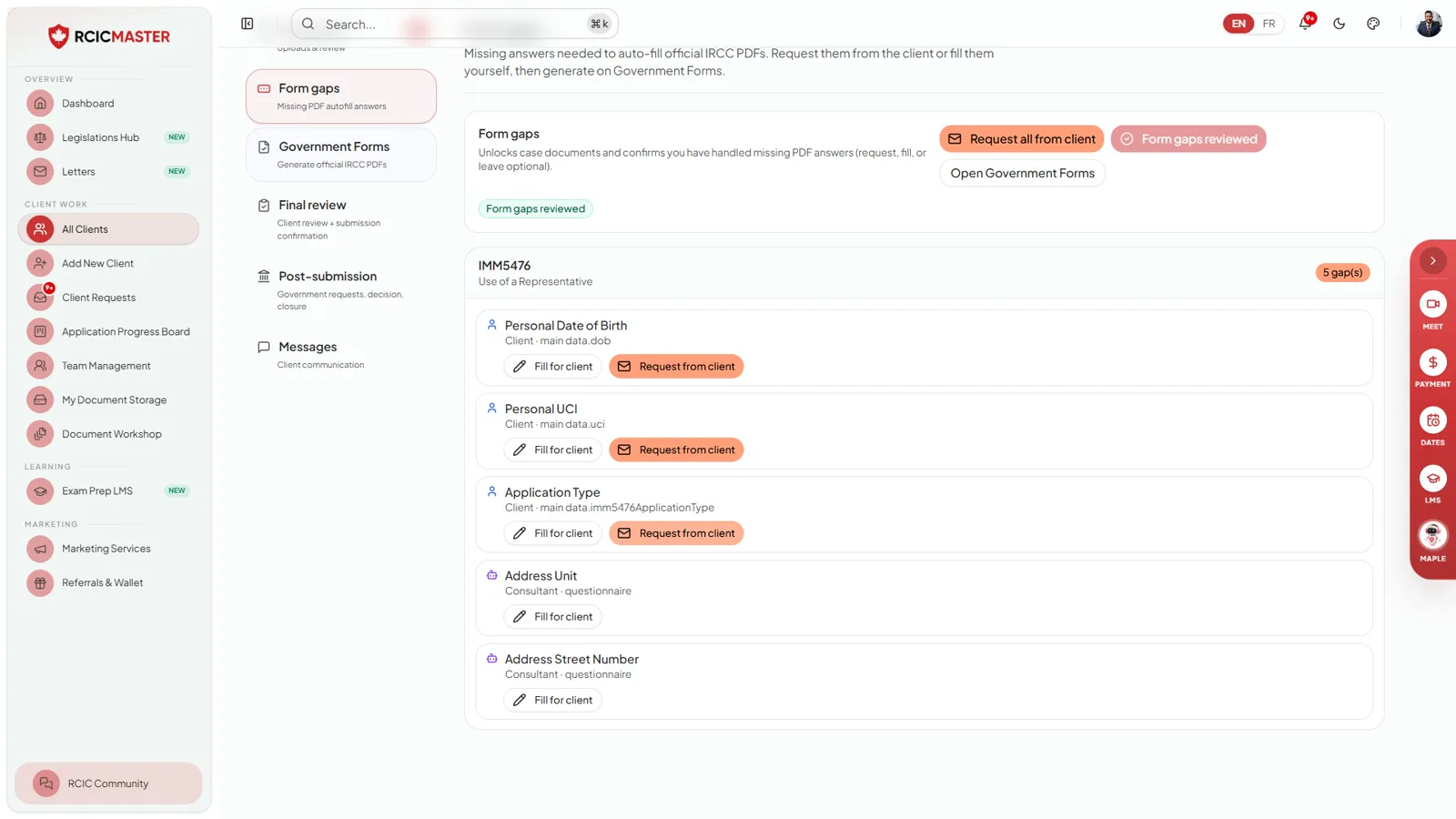
Every time a detail is retyped, a mistake can creep in. RCICMASTER reuses the client's own answers across the forms for their pathway, and shows you anything still missing before you generate.
- Answers reused across every form for the pathway
- Missing answers listed before you generate
- Review and sign-off kept with the licensed RCIC
Can software fill IRCC forms automatically?
Yes. RCICMASTER reuses the client's questionnaire answers to fill the official IRCC PDF forms for their pathway, so the same detail is typed once and readiness is shown as a percentage.
Which IRCC forms does RCICMASTER prepare?
The official IRCC PDF forms required for the client's pathway. For example, a case may list IMM 5476 (Use of a Representative), IMM 0008, IMM 5669 and IMM 5406, each with a link to IRCC.
What happens when an answer is missing?
The Form gaps view lists every answer the forms still need. Fill it in for the client, or request it from the client, one at a time or all at once.
Where are the completed forms kept?
Government forms are generated from client data in the Case Hub and stored with the case, alongside the program guide, checklist and reference PDFs.
Who marks an application ready to submit?
Only the licensed consultant. Form review, final sign-off, ready-to-submit and recording the submission are Consultant Only actions in RCICMASTER.
Ready to grow your practice?
Save time. Stay organized.
Deliver better outcomes.
Grow your practice with confidence. RCICMASTER gives you one secure place to run every file from first inquiry to final decision.